The Best Indoor Security Cameras for Pets, Kids and Peace of Mind
The best indoor security cameras for pets, kids and home monitoring, which work without a subscription, where to put them and how to keep them secure.
We earn a commission if you buy through links on this page, at no extra cost to you. Learn more.
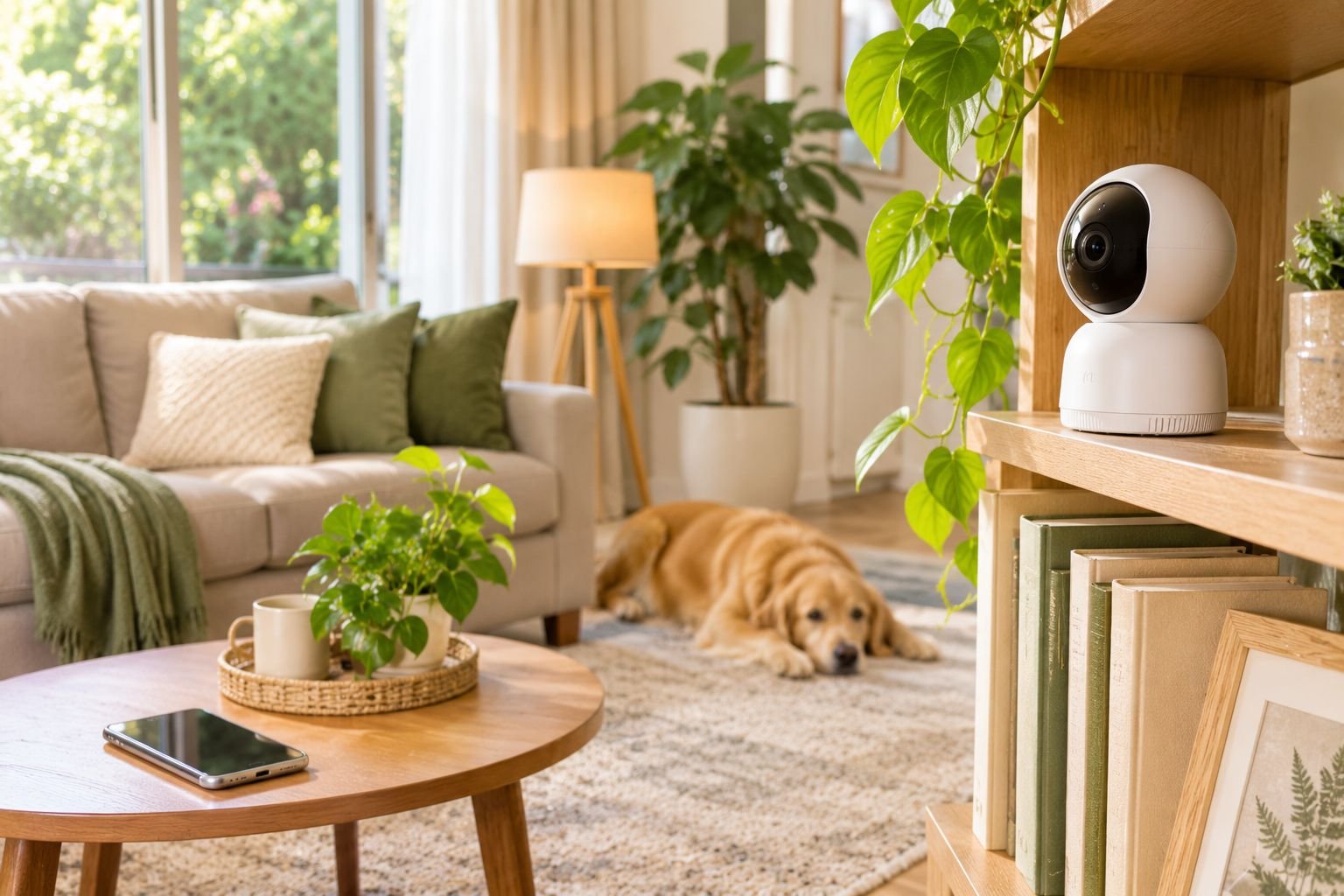
The short answer
For most homes, the Tapo C210 is the best indoor security camera: it pans and tilts to see a whole room, records sharp 2K video, and saves clips to a microSD card, so a subscription is optional. It's rated 4.5 stars by more than 23,000 owners. On a tight budget, the fixed Tapo C100 covers a hallway or pet corner for very little. Alexa households should consider the Blink Mini 2K+, which works seamlessly with Echo Show screens. Whatever you buy, set a strong password, turn on two-factor login and keep the app updated.
- Pan-and-tilt cameras cover a whole room; fixed cameras suit one spot.
- microSD storage means you can record without a monthly subscription.
- Set a strong, unique password and turn on two-factor authentication.
- Use privacy mode or a schedule so the camera is off when you're home.
- Never put cameras in bathrooms or bedrooms of guests, and tell people they're there.
An indoor security camera lets you check on your home from anywhere: see what the dog is up to, make sure the kids got home from school, or confirm the house is fine while you’re away. Good ones are cheap, quick to set up and work with your phone and smart speakers.
This guide picks the best indoor security cameras, explains which features matter, and shows you how to set one up so it stays private and secure.
All picks were checked on Amazon US and Amazon Australia. These plug into the wall, so Australian readers are shown local versions.
Our picks at a glance
| Feature | Best budgetTapo (TP-Link) 1080p Indoor Security Camera (C100) | Best overallTapo (TP-Link) 2K Pan/Tilt Indoor Security Camera (C210) | Best for AlexaBlink Mini 2K+ Indoor Camera |
|---|---|---|---|
| Best for | A cheap fixed camera for a hallway, pet corner or front room | Watching pets, kids and whole rooms without a subscription | Alexa and Echo Show households |
| Price band | Budget | Budget | Budget |
| Video | 1080p | 2K | 2K |
| Pan and tilt | No | Yes | No |
| Local storage | microSD | microSD | With Sync Module (sold separately) |
| Where to buy | Check price | Check price | Check price |
Best overall: Tapo C210 pan/tilt camera
The Tapo C210 punches well above its price. It pans and tilts so one camera can see a whole room, records sharp 2K video, and has night vision, two-way talk and motion alerts. Best of all, it saves video to a microSD card, so you don’t need a monthly subscription. It also has a privacy mode that physically points the lens away. More than 23,000 owners rate it 4.5 stars.
The trade-offs: the build is plastic, and our Australian link shows the local version with an Australian plug.
Best budget: Tapo C100
If you just need to keep an eye on one spot, like a hallway, a pet’s bed or the front door from inside, the fixed Tapo C100 does the job for very little. It records 1080p video to microSD, has night vision and motion alerts, and is rated 4.4 stars by more than 29,000 owners.
The trade-offs: it has a fixed view and 1080p rather than 2K.
Best for Alexa: Blink Mini 2K+
If you use Alexa and Echo Show screens, the Blink Mini is the easiest fit. It’s tiny, records 2K video, and shows up instantly on Echo Show devices. It has more than 10,000 ratings.
The trade-offs: saving video history needs a Blink subscription or a separate Sync Module, and it has a fixed view.
What to look for in an indoor camera
| Feature | Why it matters |
|---|---|
| Pan and tilt | One camera covers a whole room |
| 2K video | Clearer faces and details when you zoom |
| Night vision | Sees in the dark |
| Two-way talk | Talk to pets, kids or delivery drivers |
| Local storage (microSD) | Record without a subscription |
| Privacy mode | Turns off or covers the lens when you’re home |
| Smart alerts | Person and pet detection means fewer false alerts |
| Ecosystem | Works with Alexa, Google Home or Apple Home |
How to keep your camera private and secure
Security cameras are internet-connected devices, so set them up carefully. The Australian Cyber Security Centre advises making sure you can change a device’s password, and says a device with good security should have a long, unique and unpredictable password. It also notes that devices made after 4 March 2026 should meet Australia’s new security standards for smart devices.
- Buy a reputable brand that provides regular security updates.
- Use a long, unique password for the camera app account.
- Turn on two-factor authentication.
- Keep the app and camera firmware updated.
- Secure your Wi-Fi with a strong password and current router firmware.
- Use privacy mode or schedules so the camera is off when you’re home.
- Share access carefully, and remove people who no longer need it.
Where to place an indoor camera
- Living room or hallway covering entry points.
- Where pets spend time, at their level or slightly above.
- High on a shelf for a wider view, angled down.
- Away from windows to avoid glare and night-vision reflections.
- Never in bathrooms or private bedrooms of guests, and tell visitors cameras are in use.
Build out your home security
Pair an indoor camera with a video doorbell and a smart lock, and automate lights with smart plugs while you’re away.
Common questions
Do indoor security cameras need a subscription?
Not always. Cameras with microSD storage, like the Tapo C210 and C100, record locally for free. Others, like Blink, need a subscription or a separate storage hub to save video history.
Are indoor security cameras safe from hackers?
They can be, if set up properly. Use a reputable brand, set a long unique password, turn on two-factor authentication, keep the app and firmware updated, and secure your Wi-Fi.
Where should I put an indoor camera?
In living areas or hallways that cover entrances and where pets spend time, about head height or higher, facing away from windows to avoid glare. Avoid bathrooms and private bedrooms.
Can I use an indoor camera as a baby monitor?
Many people do. Look for night vision, two-way talk, sound alerts and a quick-loading app. A dedicated baby monitor may be more reliable if your Wi-Fi is patchy.
Do I need to tell people about my indoor cameras?
It's good practice, and in some situations it's a legal requirement. Tell guests, nannies and cleaners where cameras are, and check local privacy and surveillance laws, especially for audio recording.
Can indoor cameras work outside?
Not usually. Indoor cameras aren't weatherproof. Choose an outdoor-rated camera for outside walls and porches.
Sources
Keep reading
The Best Smart Locks: Keyless Front Door Locks for Every Home (and Renters)
The best smart locks for front doors at every budget, keypad vs Wi-Fi vs retrofit explained, security grades, battery life and what to check before you buy.
The Best Video Doorbells: See Who's There and Never Miss a Delivery
The best video doorbells for every home, battery vs wired, which ones work without a subscription, and how to set one up so it catches parcels, not cars.
The Best Smart Light Bulbs: Colour, Warm White and No-Hub Picks
The best smart light bulbs for every budget, Wi-Fi vs Hue Bridge, how to pick the right base for your lamps, and easy lighting scenes for every room.